Case study
Vehicle accident detection
A Flutter and Firebase app that detects a crash from phone sensors, alerts family and calls Rescue 1122 if the driver does not respond.
- Category
- App, Flutter
The problem
After a road accident, the first minutes matter, and the driver may not be able to call for help.
What we built
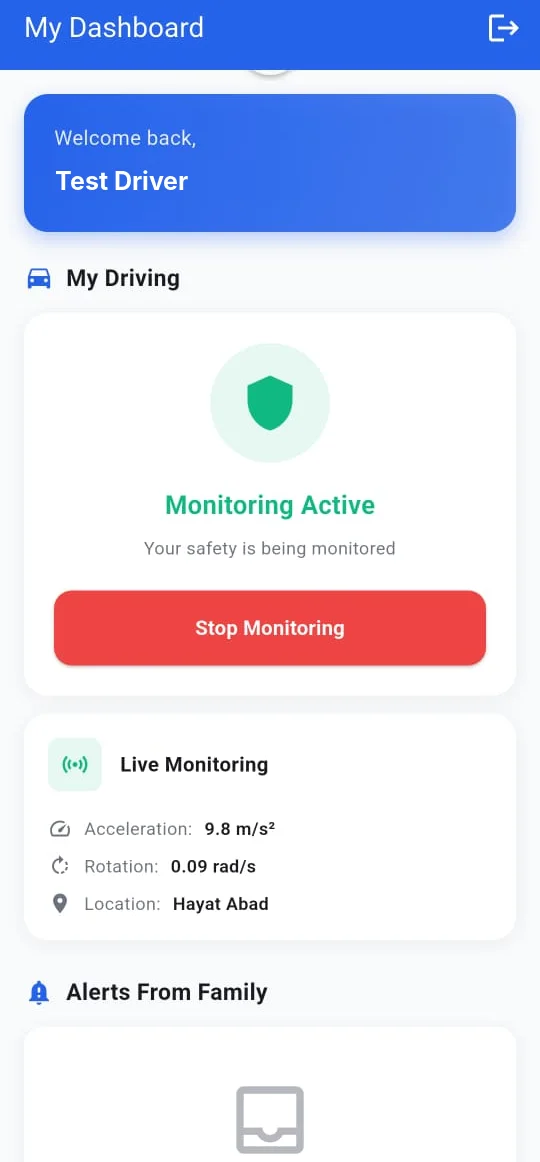
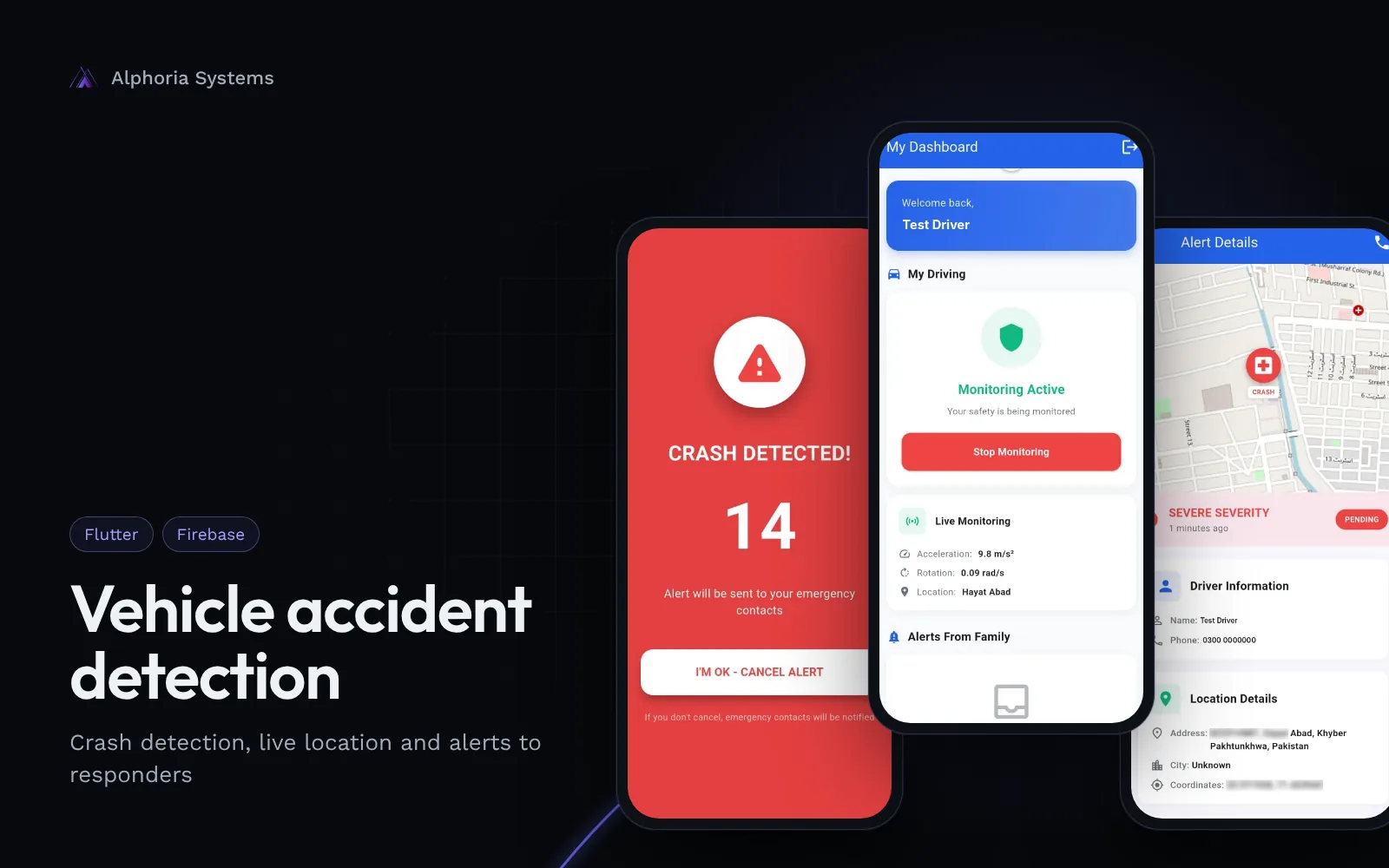
The app runs on the driver's phone and reads the accelerometer and gyroscope in real time while monitoring is on.
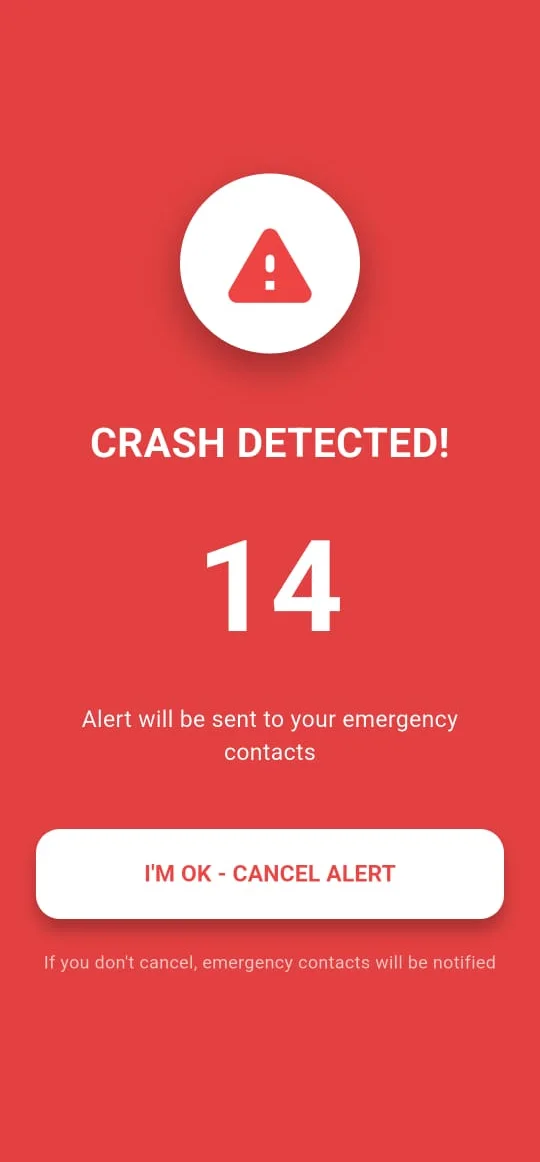
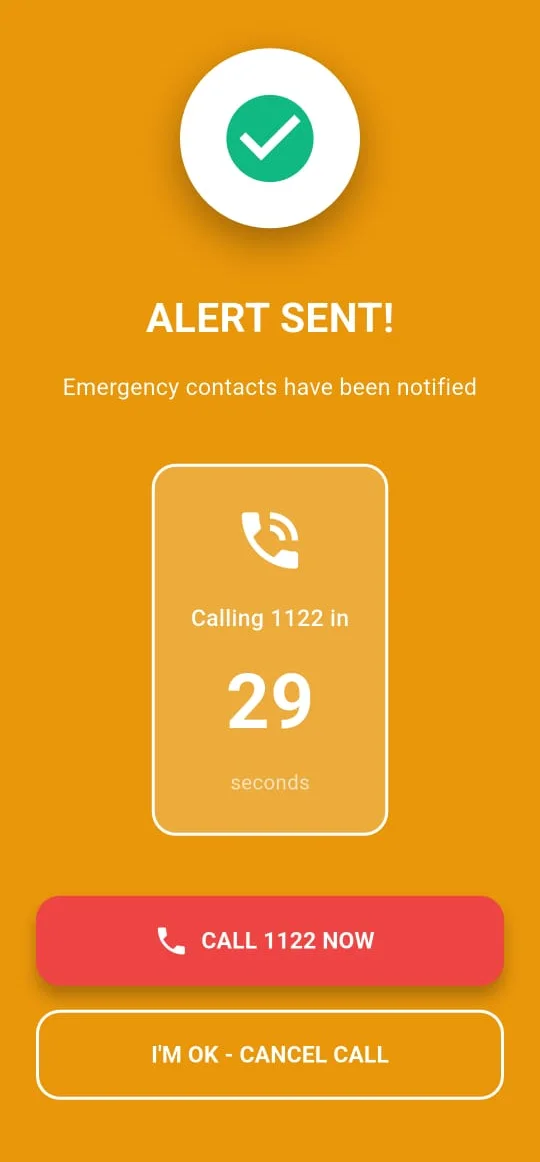
When the readings look like a crash, the app shows a countdown. If the driver taps "I'm OK", nothing is sent. If not, the app alerts the driver's emergency contacts with their location, then counts down to a call to Rescue 1122.
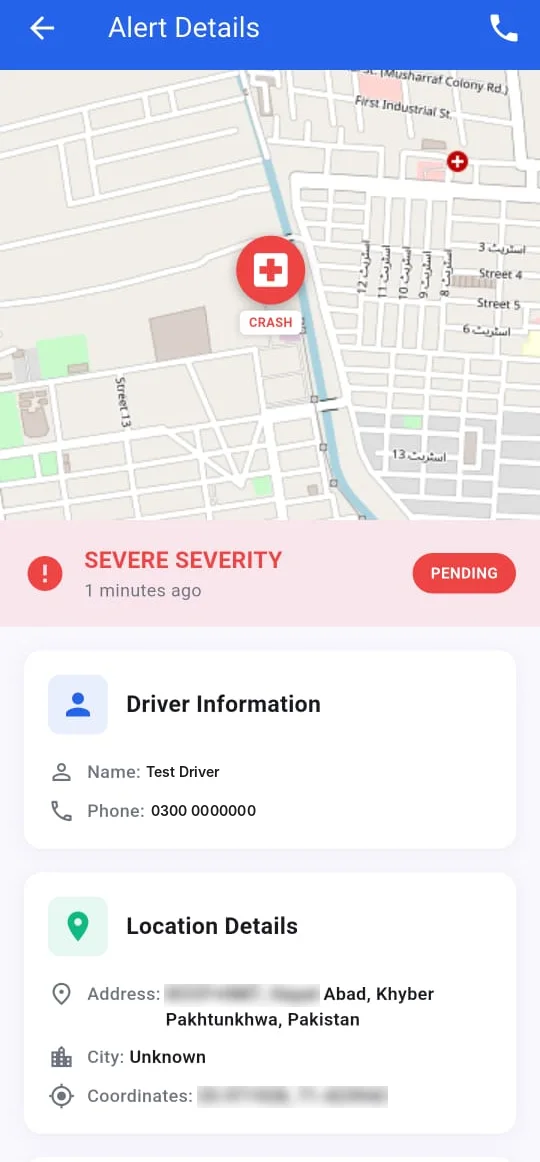
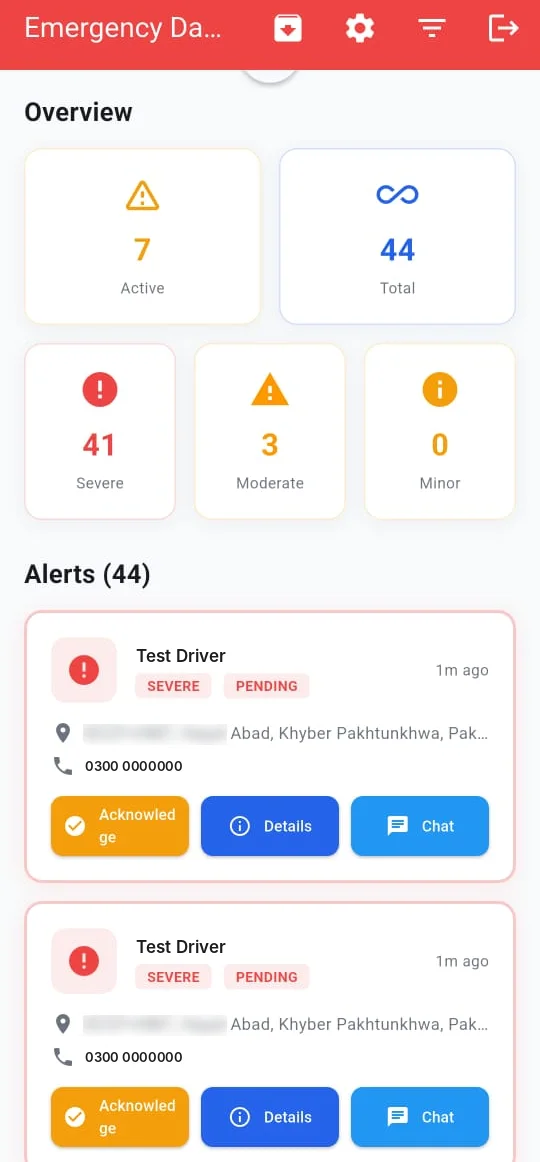
Emergency stations get their own dashboard. Each alert shows severity, the driver's details and the crash on a map, with buttons to navigate, call the driver, acknowledge and chat.
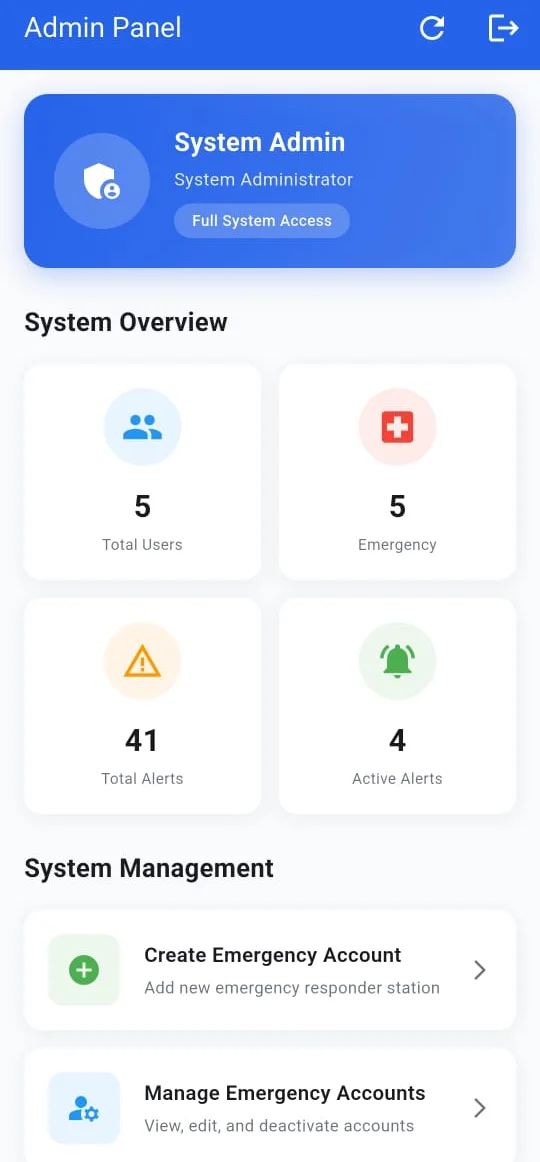
An admin creates and approves emergency station accounts, so only real responders can see alerts.
- Live monitoring of acceleration and rotation while driving
- Crash detection with a countdown so the driver can cancel a false alarm
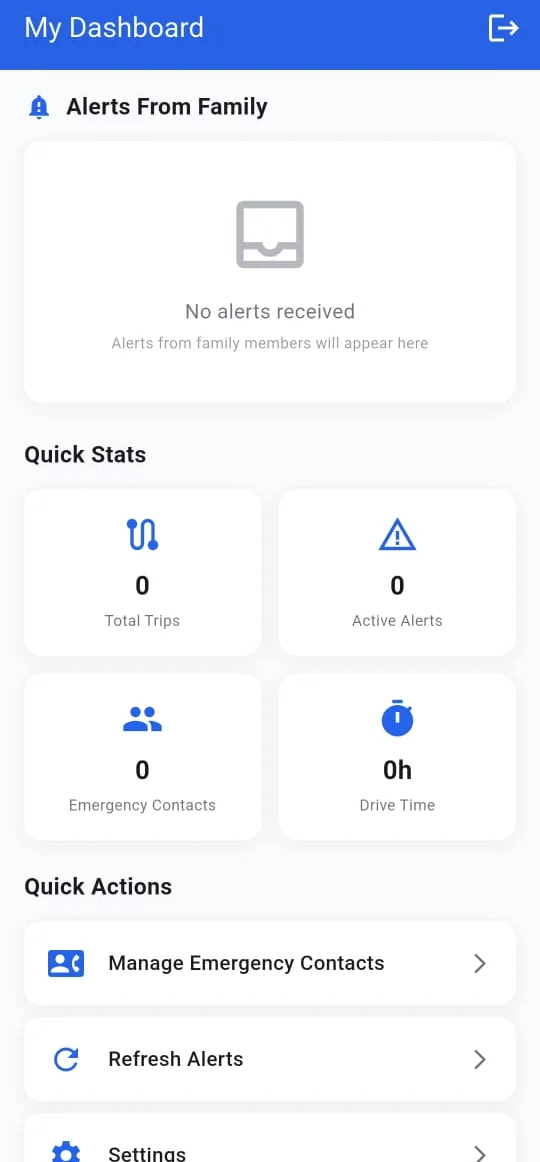
- Alerts with live location to the driver's emergency contacts
- Automatic call prompt to Rescue 1122, with a "Call now" option
- Responder dashboard with alerts sorted by severity, map, navigation and chat
- Admin panel to create and manage emergency station accounts
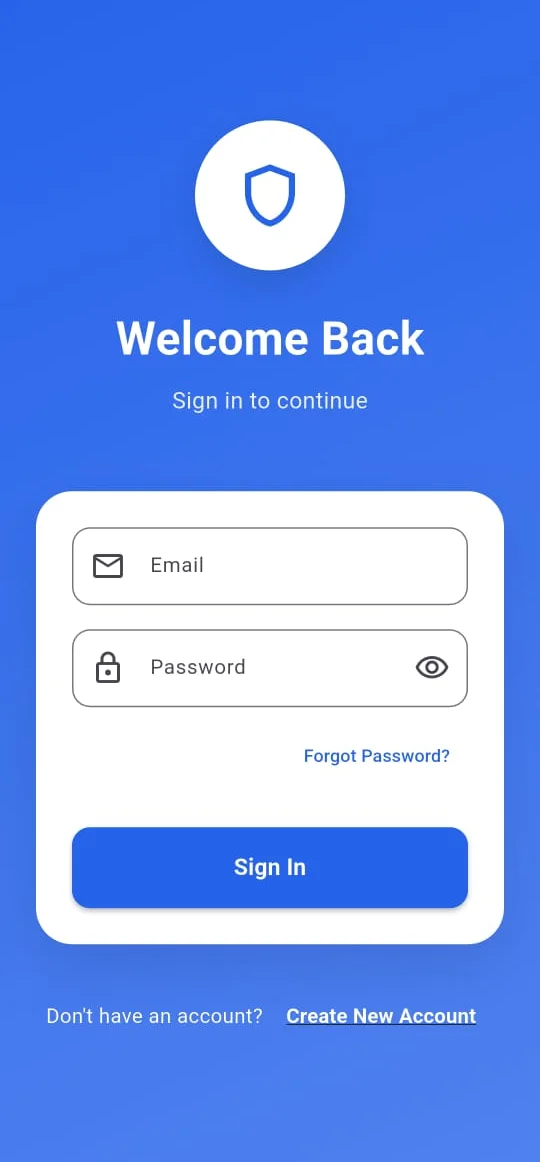
- Three roles (driver, emergency responder and admin)
Stack
- Flutter
- Firebase
- Phone accelerometer and gyroscope
- Live location and maps
Screens